
Working with several projects
For a series of lectures, reminders or podcasts, reuse your visual settings while keeping each recording in its own project.
Preparing your projects
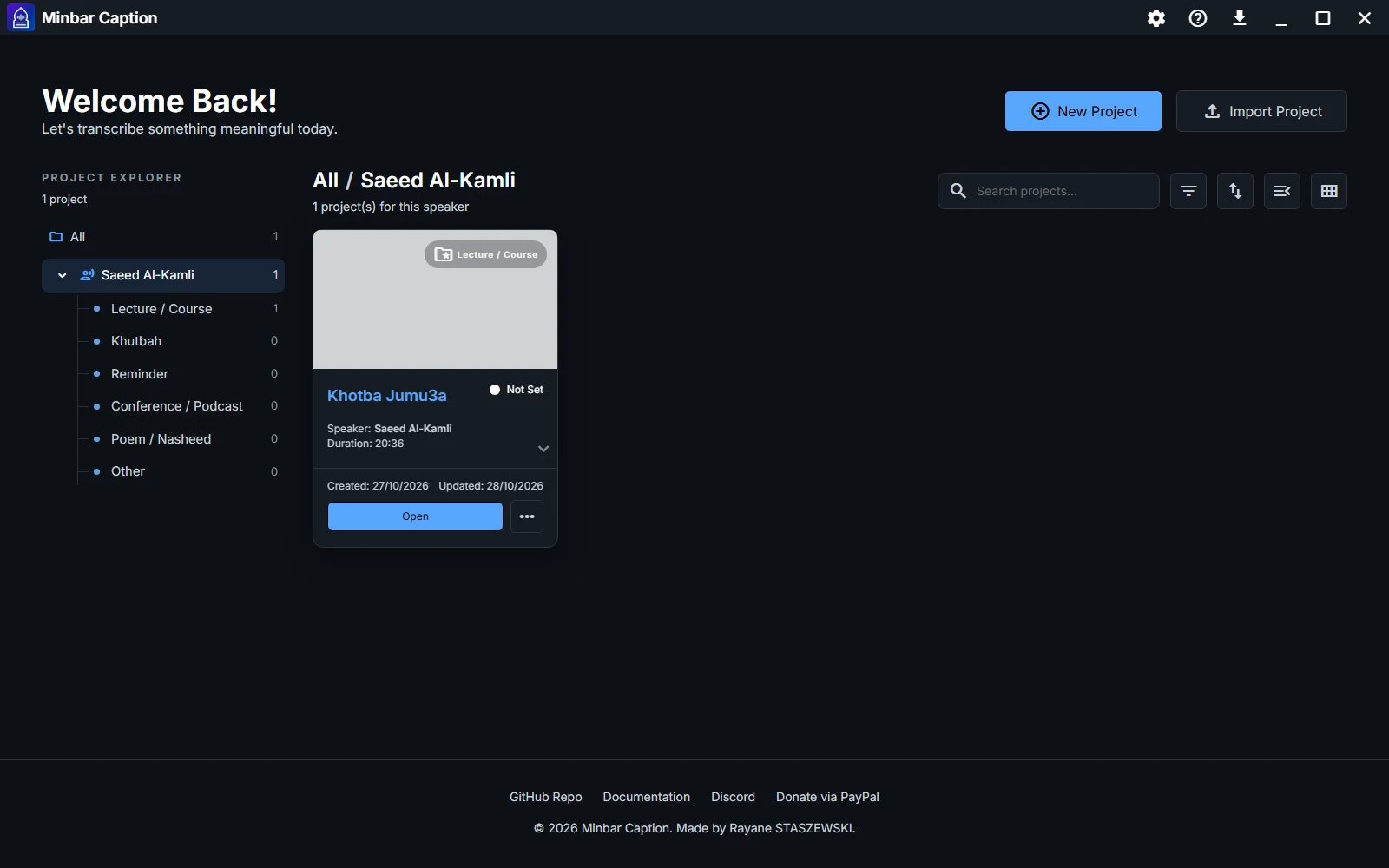
- Create a project for each recording and enter its speaker and title.
- Import the source media and place it on the timeline.
- Keep clear file names and project categories so that recordings are easy to find.
The workflow stages
- Transcribe - generate subtitles, then check text and timings.
- Translate and style - add languages and apply a saved preset.
- Export - choose dimensions and output settings for each project.
Reusing a style
Save a preset in the Style editor, then apply it in the other projects. This keeps typography, colors and layouts consistent across your series.
Reviewing projects
Review each recording's transcript and translations before export. Shared visual settings do not replace checks on the wording, references and timing of each passage.
Keeping your files
Keep your source media alongside project backups. Use a project package when transferring a project with its media to another computer.